Choosing an RF shield box for 5G testing, or for Wi-Fi 7, comes down to eight checks: frequency range, isolation, internal size, interface panel and connectors, door mechanism, cable and antenna feedthroughs, throughput, and supplier support. Getting these right up front saves you from an enclosure that leaks at high frequencies, cannot fit your fixture, or slows down your line. This buyer's guide explains how to choose an RF shield box step by step, with a specification checklist you can share with your team.
Why Are 5G and Wi-Fi 7 Harder to Shield?
Both technologies push into wider bandwidths and higher frequencies than earlier generations. 5G NR covers two ranges: FR1, the sub-6 GHz bands (up to 7.125 GHz), and FR2, the mmWave bands starting at 24.25 GHz (5G-ACIA overview of the 3GPP frequency ranges). Wi-Fi 7 (IEEE 802.11be) uses the 2.4, 5 and 6 GHz bands, with channels up to 320 MHz wide and multi-link operation across bands at the same time.
Higher frequencies have shorter wavelengths, which means RF can escape through smaller gaps, seams and connector holes. An enclosure that performs well at 2.4 GHz may not hold the same isolation at 6 GHz or in mmWave. That is why a 5G or Wi-Fi 7 testing enclosure must be specified across your full band plan, not just at one frequency.
1. What Frequency Range and Isolation Do You Need?
List every band your devices use, from the lowest LTE or IoT band to the highest Wi-Fi 6 GHz or 5G mmWave channel. Then ask for isolation data across that whole range. LabiFix RF shield boxes are specified for high isolation of more than 90 dB. For mmWave, a dedicated mmWave shield box, with absorbers chosen for those frequencies, is usually the safer route. See our 5G and mmWave RF shield box range.
2. Is the Internal Size Right for Your Device Under Test?
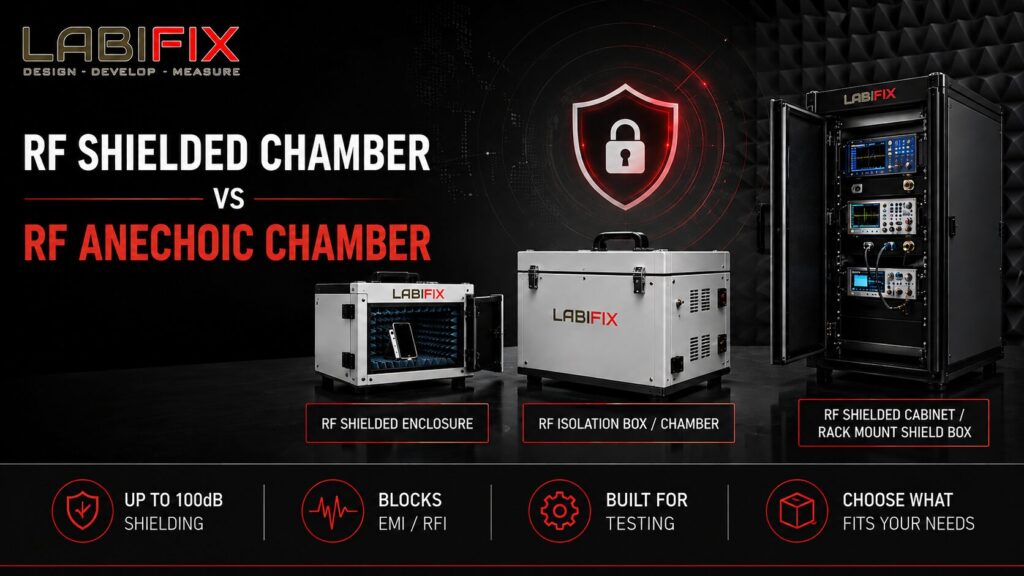
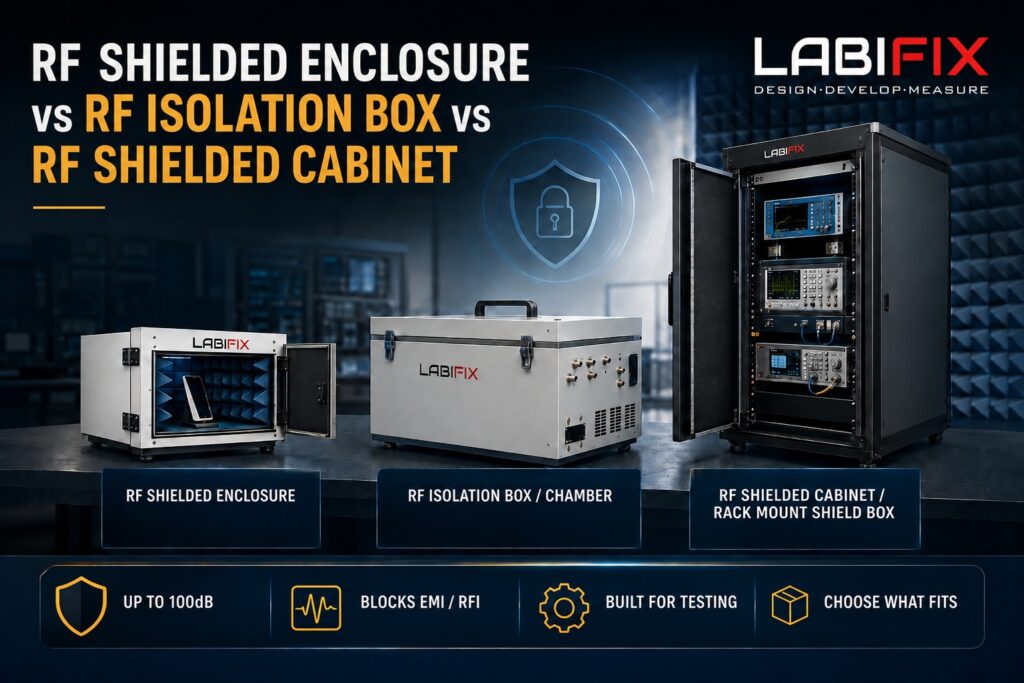
Measure the device under test (DUT) plus everything that goes in with it: test fixtures, positioners, internal antennas, cables and absorber lining. Leave space so the DUT is not pressed against absorbers or walls, which can affect OTA results. For phones and modules, a benchtop shielded enclosure or rack mount RF shield box is typical. For laptops, routers, CPE or automotive units, look at larger standalone shielded enclosures.
3. Which Interface Panel and Connectors Do You Need?
Every cable entering the box is a possible leak path. A filtered interface panel lets power, USB, Ethernet and control signals pass while blocking RF noise. RF ports, typically SMA or N-type, carry test signals to and from your instruments. Count the ports you need for MIMO testing and multi-link testing, then add spares. A custom panel built around your exact setup avoids awkward adapters later.
4. Manual or Pneumatic Door?
A manual door suits R&D and low-volume validation, where engineers open the box occasionally. On a production line, a pneumatic RF shield box opens and closes automatically, applies consistent sealing pressure every cycle, and can be triggered by your test software. Consistent pressure matters because it keeps isolation repeatable over thousands of cycles.
5. How Will Antennas and Cables Be Fed Through?
Decide whether you will test conducted (cabled to the device's RF port) or over the air (using internal antennas). For OTA, plan antenna placement and absorber coverage for your bands. For conducted tests, check connector types and cable losses at your highest frequency.
6. What Throughput Does Your Line Need?
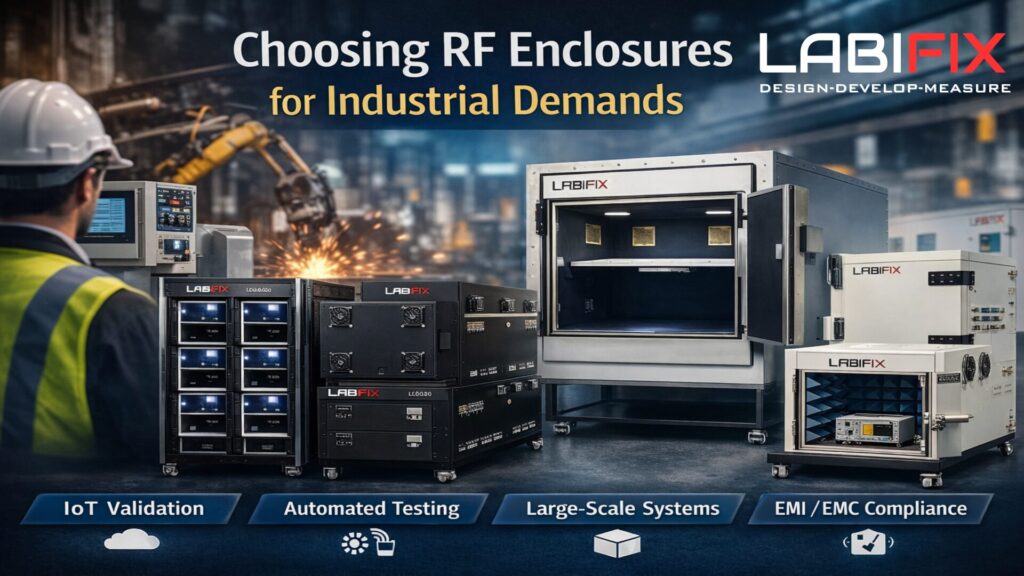
In production, the enclosure is part of the test cycle. Door speed, fixture loading and the number of devices per box all affect units per hour. Rack-mounted and pneumatic boxes integrate more easily with automated test systems.
7. Which Certifications Should the Supplier Have?
Look for a quality-managed manufacturer. LabiFix manufactures under ISO 9001:2015, with products meeting CE RED 2014/53/EU.
8. What After-Sales Support Is Available?
Gaskets and seals wear over time, and test plans change. A supplier that can service, re-test and customise enclosures, and turn them around quickly, protects your investment. A local manufacturer of custom RF enclosures in India also simplifies lead times and support for teams in the region.
RF Shield Box Specification Checklist
| Specification | What to confirm |
|---|---|
| Frequency range | Covers all bands, including 6 GHz Wi-Fi and 5G FR1/FR2 if needed |
| Isolation | Measured across the full range, not one frequency |
| Internal size | Device, fixtures, antennas and absorbers fit comfortably |
| Absorber lining | Suitable for your highest frequency |
| Interface panel | Filtered power, USB, Ethernet; enough RF ports |
| Door mechanism | Manual for R&D, pneumatic for production |
| Mounting | Benchtop, 19" / 24" rack, or standalone |
| Certifications | Quality-managed manufacturer, compliant products |
| Support | Servicing, re-testing and customisation |
For more use cases, see our wireless device testing page, or start with the basics in What Is an RF Shield Box?
Foire Aux Questions
Final Thoughts
The right RF shield box for 5G testing and Wi-Fi 7 is the one specified around your bands, your device and your workflow. Use the checklist above, ask for isolation data across your full range, and plan for production volume from the start.
Ready to spec your enclosure? Request a custom quote from LabiFix.